
The Cost of Owning Software

by Brian Pollack
Clients rarely misunderstand the cost of building software. That part is simple: the client asks for software with a goal, we build it, the transaction is complete. But that’s only the first step.
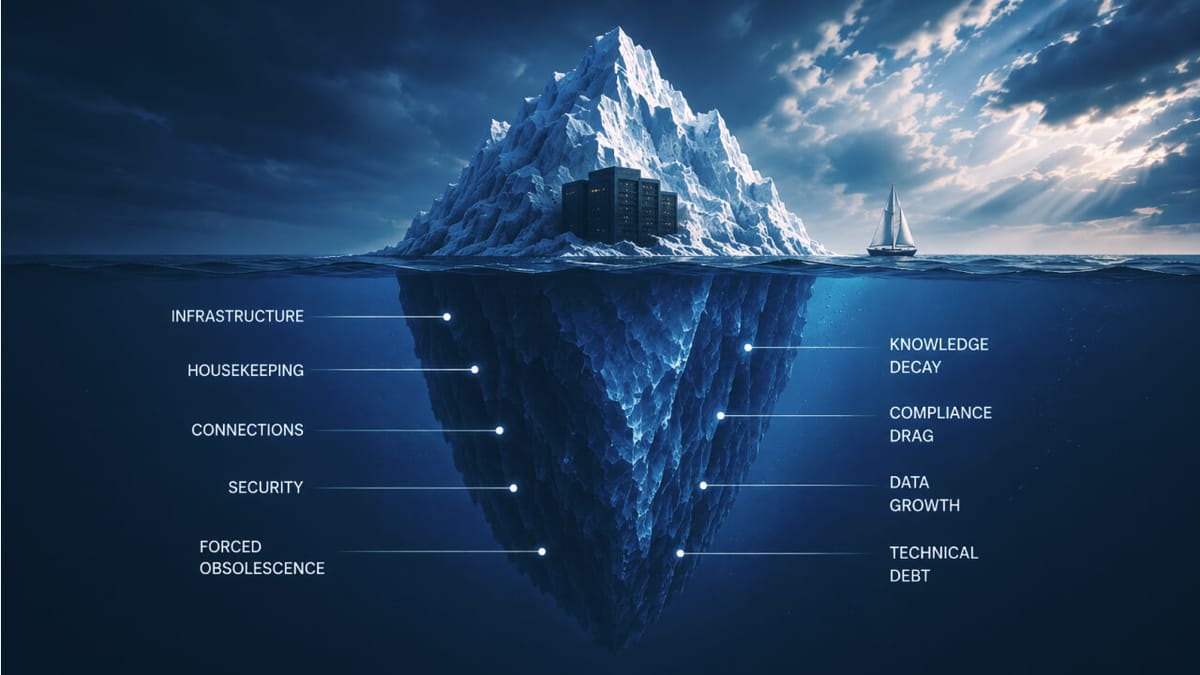
Once software exists, someone has to own it. Below are those ownership costs, roughly ordered from most obvious to least. Devs, feel free to comment with anything I missed.
Basic infrastructure
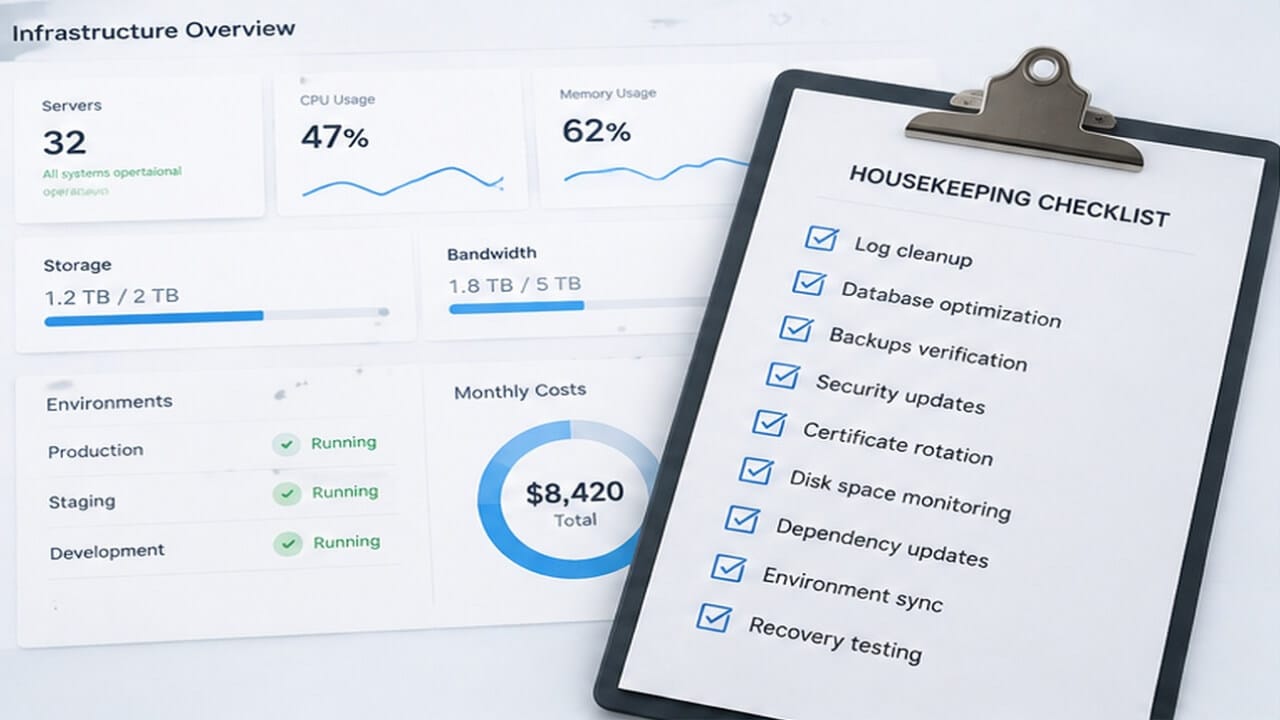
Everyone understands that a building needs utilities. You pay someone for electricity, water, sewer, and trash collection. Software is no different. Depending on scale, your “utilities” include hosting, bandwidth, storage, databases, and other supporting infrastructure. What most companies don’t realize is that you need a copy of all of it for staging and test environments.
Housekeeping
When you build a house, you expect to pay for upkeep even if nobody lives in it. The grass grows, dust collects, filters clog. Servers are the same, and the work is rarely visible. Logs need to be cleaned up. Upgrades leave debris behind. Backups need to be validated and recovery needs to be tested, alongside a long list of routine IT tasks. One of the worst offenders is security certificate rotation, which I’ll save for another article. How many dollars have been lost to a disk that filled up with log files nobody was watching?
Connections
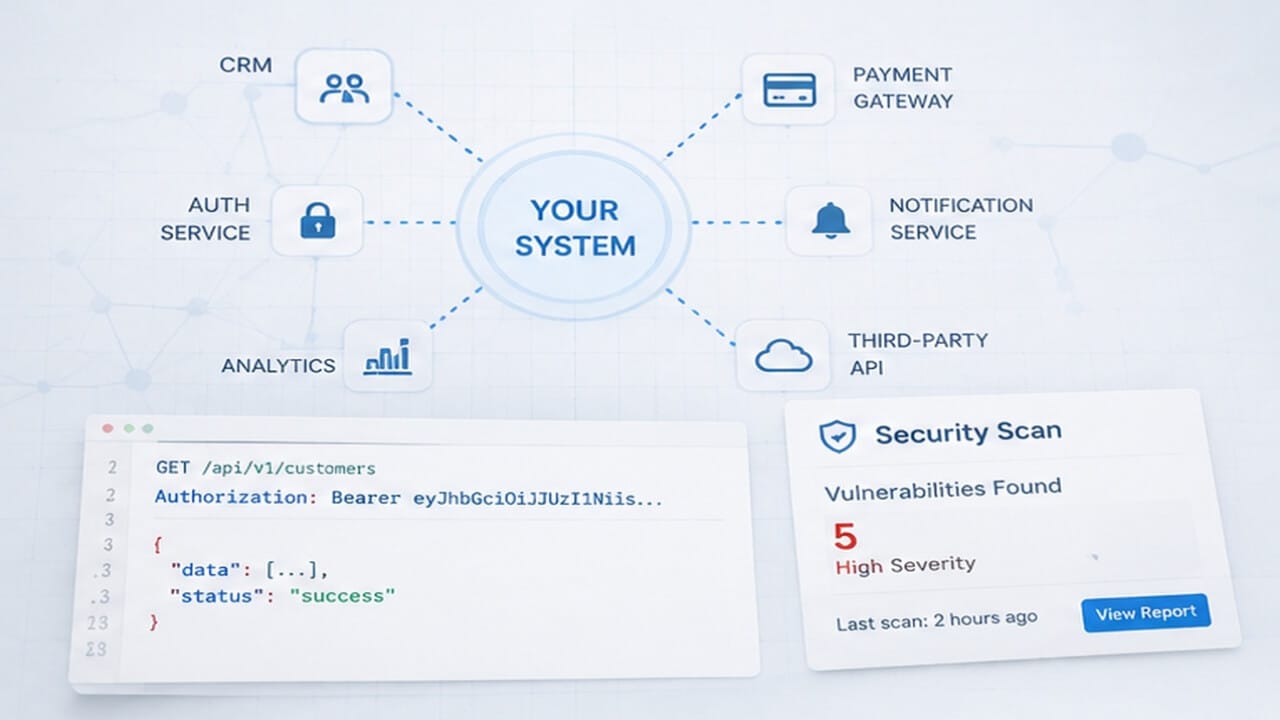
Software rarely runs alone anymore. Almost every project talks to other systems over APIs, and the internal ones are the easiest to forget. If the software matters, someone should be validating those connections, logging failures, investigating problems, and watching for required upgrades. One client’s authentication system changed underneath them through an automatic Microsoft patch, and hundreds of small connected systems broke at once. API formats change. Keys expire. Providers get bought and sold. Internal APIs move networks or get decommissioned.
Security
After 30 years, I know how to build a secure system. That doesn’t mean something built securely today stays secure. All software leans on third-party components, databases, and operating systems — parts nobody on your team made — and attackers are constantly finding new ways through them. Most clients understand that systems need patching. What they don’t expect is how patching actually works. Node uses npm, Python uses pip, C# uses NuGet; every modern stack has a package manager. Upgrading one small package to close one vulnerability can drag dozens of dependent packages along with it, and any one of those can break your code, which now wants a new parameter or a new key. That triggers QA, regression testing, and release scheduling. On an older project, the team that tested it last time may be long gone, so add training to the bill. AI has made breaking into systems dramatically easier, and I push clients to take that seriously — but it’s the hidden costs that catch them off guard.
Forced obsolescence
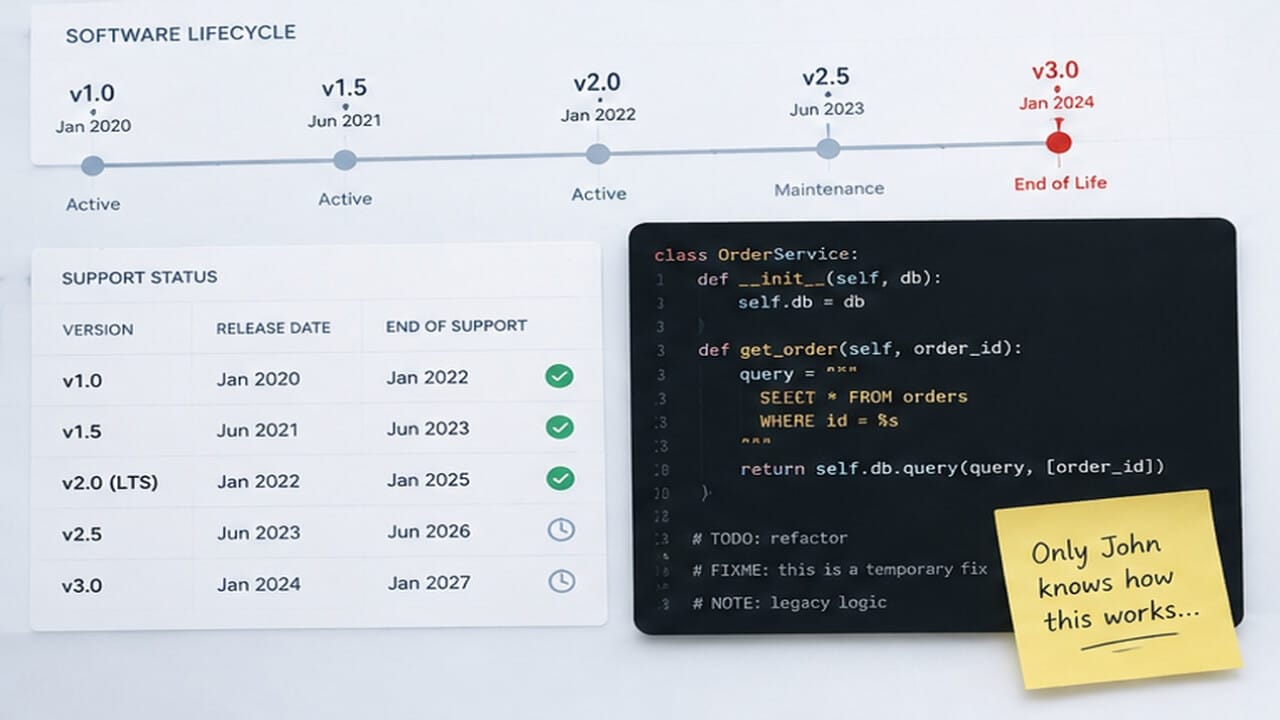
Very few people outside the industry understand how software versions work. Most things you buy don’t simply expire on a schedule; software does. Every platform version has a support life span, and the vendors behind them, Microsoft included, keep shortening that window. Once a version reaches end of life, it stops receiving patches and updates. Staying on a supported LTS (long-term support) version is an ongoing cost, not a one-time move.
Knowledge decay
Ever had an electrician open your breaker panel and say, “I don’t know what the last guy was thinking”? Software is worse. There are ten thousand ways to build the same thing, and the second programmer on a system will never know it as well as the first. The longer a client waits between updates, the more each one costs, because the people who knew the system have moved on or simply forgotten. Clients who bundle a year of work into one batch, or sit on changes, consistently spend more.
Compliance drag
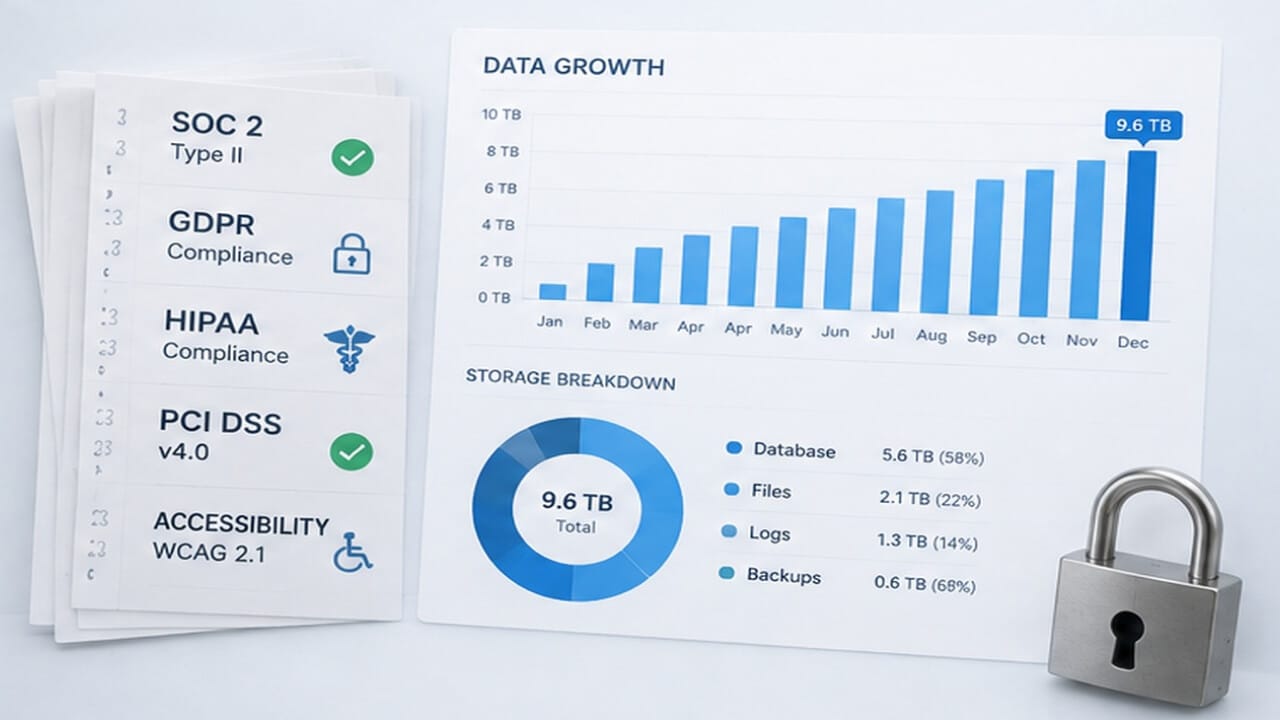
The software can sit perfectly still while the rules move underneath it. SOC 2 and HIPAA audits, GDPR and state privacy laws, PCI, accessibility standards, open-source license terms, data retention policies — all of them change on someone else’s schedule, and each change can turn into engineering work. Cyber insurance is the newest version of this: premiums now come with required security controls, and meeting them isn’t free.
Data growth
Ironically, the more successful a system is, the worse this gets. As databases grow, queries slow down, new indexes are needed, and old records have to be archived or cleaned up. More data also means larger backups, higher bandwidth bills, and real difficulty keeping staging environments current enough to debug and test against.
Technical debt. This is the one I explain most often, and fairly so — it’s specific to a world where software gets built and shipped fast, at scale, and on a budget. I’ll cover it properly in another article. For now, clients should hold onto one idea: cutting corners to move quickly isn’t free. It’s a loan at a variable rate against future work. Deferred maintenance doesn’t save money; it multiplies it and hands the bill to the next person.
I love talking about this kind of thing. If you or your company has questions about the cost of ongoing software ownership, or how to get ahead of these costs before they turn into problems, schedule a call with me.
Originally published on Protovate.AI
Protovate builds practical AI-powered software for complex, real-world environments. Led by Brian Pollack and a global team with more than 30 years of experience, Protovate helps organizations innovate responsibly, improve efficiency, and turn emerging technology into solutions that deliver measurable impact.
Over the decades, the Protovate team has worked with organizations including NASA, Johnson & Johnson, Microsoft, Walmart, Covidien, Singtel, LG, Yahoo, and Lowe’s.
About the Author

Share article


