On November 1, Your Systems Could Fall Back—Even If Your Province Doesn’t

by Brian Pollack
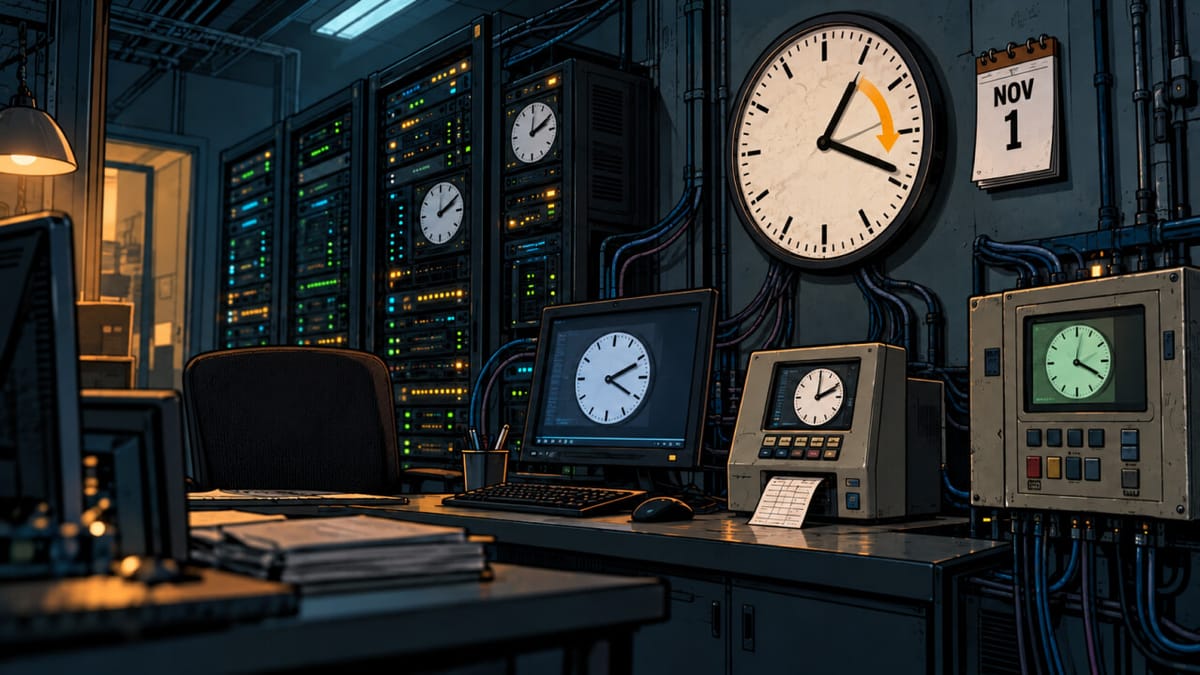
BC, Alberta, and Manitoba gave the clock change the most polite Canadian middle finger. On Nov 1, many of their computers fall back anyway.
The Rules Changed Faster Than the Systems
Here's why. NTP, which keeps computer clocks in sync, only knows UTC, not time zones. Local time comes from a separate set of rules, the time zone database kept by IANA. Every operating system and plenty of applications carry their own copy. IANA published BC's new rules in April and Alberta's in July. Manitoba only announced on Sept 17, and its rules came out Sept 30.
Microsoft finished shipping updates in October, and production systems don't always update that fast to avoid rebooting. Even then, installing the patch isn't enough. Windows didn't change the existing Pacific, Mountain, and Central zones, because the US still uses them. It added new ones like "Pacific Time (British Columbia)". Anything that doesn't set its time zone automatically, which includes most servers, stays on the old zone and falls back with the US until someone switches it. Microsoft also says meetings already on the calendar won't fix themselves. Organizers have to update every one of them by hand.
Apple looks well covered, with time zone data sent separately from iOS and macOS updates, though Manitoba's only arrived Oct 14.
Where the Old Time Is Still Hiding
Common systems past end of support won't get a fix, including Windows 10, 7, and XP, Windows Server 2012, CentOS 7, and Android 9 and older. Android 10's last update covered BC and Alberta but stopped before Manitoba. My client, a timecard vendor, has workers who clock in and out on older phones, and their pay could be affected.
Other places to look:
- Software that carries its own configuration, such as Java, Node.js, some databases, Docker containers, and phone systems.
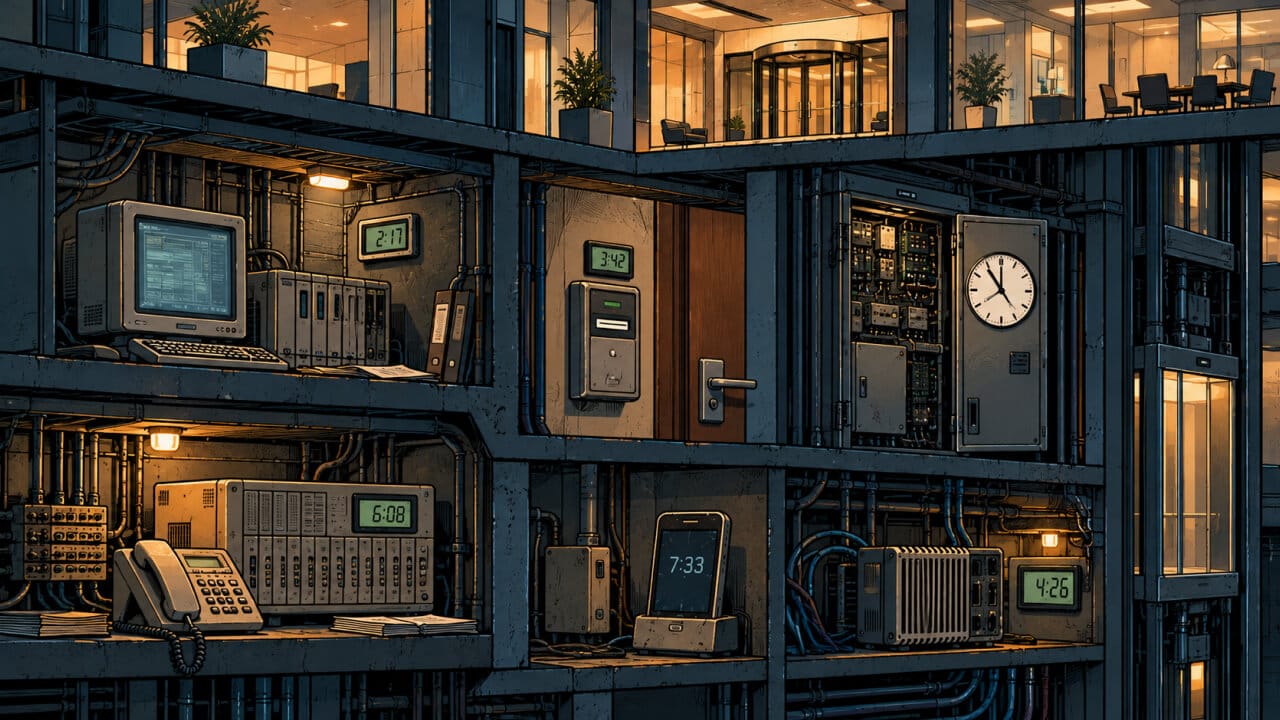
- Unconnected systems like hotel door key readers, apartment gate code systems, and even commercial elevators often have the old settings built in. They will fall back on their own and may have to be fixed by hand, like a microwave.
- Plenty of buildings still run building automation on Windows XP or even NT. When that system falls back, it can push the wrong time to every controller in the building. Heat comes on an hour late on a November morning in Winnipeg, then runs an extra hour every night.
- Some hospital lab instruments still run on XP, and patient monitors and infusion pumps timestamp every reading. If a device falls back and the chart doesn't, an hour of readings lands on top of the hour before it.
When a One-Hour Error Becomes a Security Problem

A wrong clock seems trivial, but the worst damage comes when it's fixed wrong. Someone sets the clock forward instead of changing the time zone. Now the real clock is wrong, and authenticator codes, Windows logins, and single sign-on start failing.
If you have offices, staff, customers, or servers in western Canada, November 1 is only two days away. Any system still carrying the old time zone rules could fall back without warning—and you may not discover it until payroll is wrong, doors fail to open, logins stop working, or critical timestamps no longer match. There is almost no time left to test. Book a consultation now to have your servers and code checked before the change.
An earlier version of this article was published on LinkedIn by Brian Pollack. This edition has been expanded and edited for the Protovate blog.
Originally published on Protovate.AI
Protovate builds practical AI-powered software for complex, real-world environments. Led by Brian Pollack and a global team with more than 30 years of experience, Protovate helps organizations innovate responsibly, improve efficiency, and turn emerging technology into solutions that deliver measurable impact.
Over the decades, the Protovate team has worked with organizations including NASA, Johnson & Johnson, Microsoft, Walmart, Covidien, Singtel, LG, Yahoo, and Lowe’s.
About the Author