
To Automate or Not to Automate – A Simple Task?
I asked AI to build my charts. They looked perfect — until the numbers didn’t match. Here’s what actually went wrong.

By Jana Diamond, PMP
I was running a study for a client and wanted my weekly reporting slides to look polished and spiffy. The task was straightforward: report how many people of each skin type (10 categories), from different areas of the US (rural, suburban, urban), by age group (over 45 or under) signed up each week, and show the total progress toward the ultimate goal.
What are my options?
Excel and PowerPoint could certainly produce the charts. I could drop numbers into a template and get clean, consistent slides.
But . . . they would be predictable.
So I decided to try something new.
I pasted my numbers into a chatbot, carefully described the charts I wanted, and asked it to generate the visuals.
And voilà! Amazingly beautiful charts! Better than I expected. I was so excited!
I ship the report out to my client.
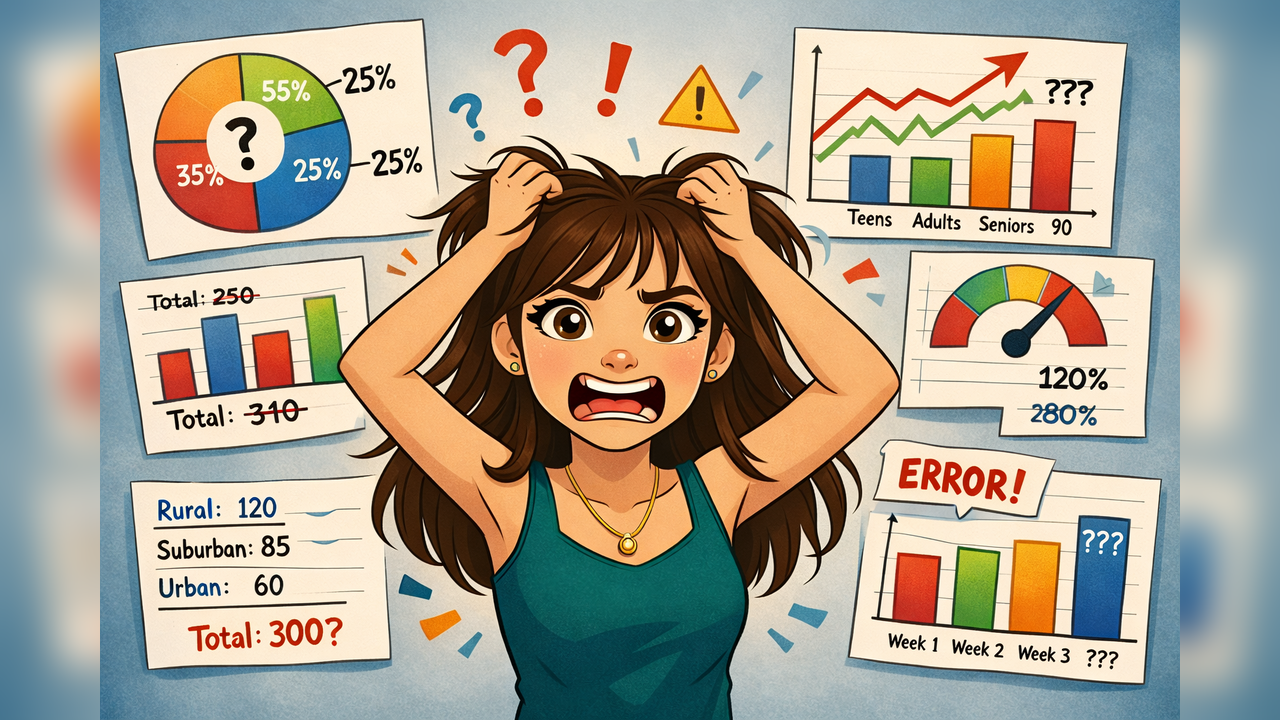
The client tells me that the totals from the charts don’t match each other. What?!
I failed AI101: Always verify the results.
Back to the chatbot. “The numbers are incorrect.”
Several iterations later, the numbers matched – but now the headings and colors are all incorrect. Eventually, ceding defeat, I recreated the slides in PowerPoint, to meet my deadline.
The next week rolls around. I tried again.
Starting with the final PowerPoint from the previous week and asking only to update the numbers worked perfectly. Success!
Week three? Total failure again — wrong headings, wrong numbers, and grey charts where colors had been. More iterations, more corrections, more lost time, and ultimately a manual rebuild.
This continued for the duration of the 12-week study. After week two, I never again received a completely correct set of slides from the chatbot.
What Actually Happened?
The issue wasn’t that the AI was “bad” or that my queries were “malformed” or “incomplete.”
The issue was that I was asking it to perform a task it wasn’t designed to do.
A language model predicts text and patterns. It doesn’t perform deterministic calculations the way Excel does. When I asked it to create charts from numbers, it generated something that looked right — but it wasn’t consistently mathematically reliable.
In other words:
AI optimized appearance.
Excel optimized accuracy.
And in reporting, accuracy matters more.
The Real Lesson
Automation is not a single category. Some tasks benefit from AI, and some should remain rule-based.
AI works well when:
- Summarizing information
- Drafting explanations
- Brainstorming, asking/answering questions
- Formatting narrative content
Traditional tools work best when:
- Calculations must be exact
- Totals must reconcile
- Results must be repeatable
My verdict?
Use AI to help explain your results, use deterministic tools to produce them.
The right questions is not: “Can AI do this”
It is “Should AI do this?”
The goal isn’t to replace existing tools with AI.
The goal is to place AI where judgment, interpretation, and communication are needed — and keep rule-based systems where precision matters.
Good automation is not about using the newest tool.
It is about using the right one.
Originally published on Protovate.AI
Protovate builds practical AI-powered software for complex, real-world environments. Led by Brian Pollack and a global team with more than 30 years of experience, Protovate helps organizations innovate responsibly, improve efficiency, and turn emerging technology into solutions that deliver measurable impact.
Over the decades, the Protovate team has worked with organizations including NASA, Johnson & Johnson, Microsoft, Walmart, Covidien, Singtel, LG, Yahoo, and Lowe’s.
About the Author

Share article


