
Building an AI-Powered Slack Bot for Team Insights
Stop digging through dashboards and threads. Build a Slack bot that understands natural language and finds answers across your team’s data.

By Prateek Sharma
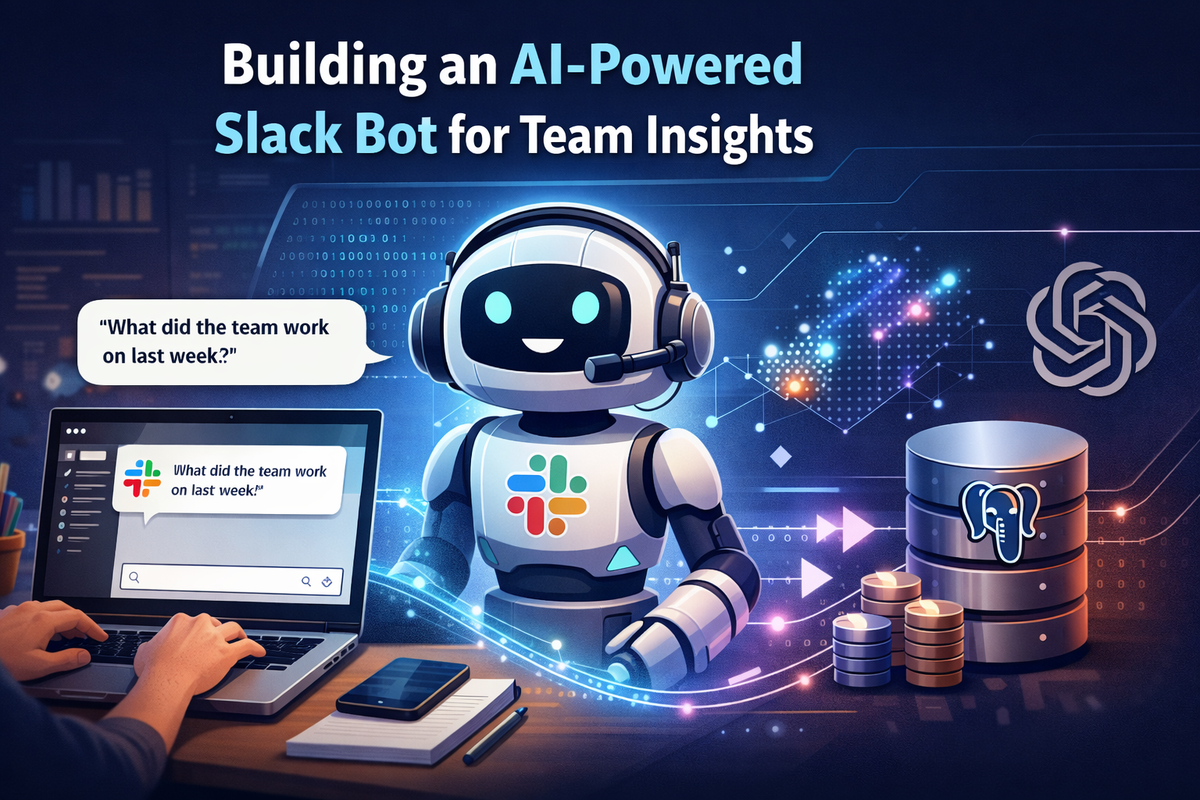
Ever wish you could just ask your company data a question? Instead of digging through dashboards, spreadsheets, or endless Slack threads, imagine typing “What did the team work on last week?” and getting an instant, intelligent summary.
That’s exactly what we’re building today: a Slack bot powered by semantic search that understands natural language queries and pulls insights from your data.
What We’re Building
By the end of this tutorial, you’ll have a Slack bot that can:
• Accept natural language questions from team members
• Search through your data using semantic similarity (not just keyword matching)
• Return relevant, contextual answers
The magic ingredient? Vector embeddings — we’ll convert text into numerical
representations that capture meaning, store them in PostgreSQL using pgvector, and query them based on semantic similarity.
The Architecture
Here’s how the pieces fit together:
User asks question in Slack
↓
Slack Bot (Node.js + Bolt)
↓
Generate embedding for the question (OpenAI API)
↓
Query PostgreSQL + pgvector for similar content
↓
Format and return the response to Slack
Simple, but powerful.
Prerequisites
Before we dive in, make sure you have:
• Node.js 18+ installed
• A PostgreSQL database (local or hosted)
• An OpenAI API key
• A Slack workspace where you can create apps
Step 1: Set Up Your Slack App
Head to the Slack API dashboard and create a new app.
Bot Token Scopes you’ll need:
- chat:write — to send messages
- app_mentions:read — to respond when mentioned
- im:history — to read DMs (if you want DM support)
Enable Socket Mode for easier local development (no public URL required).
Grab your:
- SLACK_BOT_TOKEN (starts with xoxb-)
- SLACK_APP_TOKEN (starts with xapp-)
- SLACK_SIGNING_SECRET
Step 2: Set Up PostgreSQL with pgvector
pgvector is a PostgreSQL extension that adds vector similarity search. If you’re using a managed database like Supabase or Neon, pgvector is often pre-installed.
For local setup:
-- Enable the extension
CREATE EXTENSION IF NOT EXISTS vector;
-- Create a table for your content
CREATE TABLE team_updates (
id SERIAL PRIMARY KEY,
content TEXT NOT NULL,
author VARCHAR(255),
created_at TIMESTAMP DEFAULT CURRENT_TIMESTAMP,
embedding vector(1536) – OpenAI's text-embedding-3-small dimension
);
-- Create an index for faster similarity search
CREATE INDEX ON team_updates USING ivfflat (embedding vector_cosine_ops)
WITH (lists = 100);
The vector(1536) type stores our embeddings, and the ivfflat index makes similarity searches fast even with large datasets.
Step 3: Project Setup
Initialize your project and install dependencies:
mkdir slack-ai-bot && cd slack-ai-bot
npm init -y
npm install @slack/bolt openai pg dotenv
Create a .env file:
SLACK_BOT_TOKEN=xoxb-your-token
SLACK_APP_TOKEN=xapp-your-token
SLACK_SIGNING_SECRET=your-signing-secret
OPENAI_API_KEY=sk-your-key
DATABASE_URL=postgresql://user:pass@localhost:5432/yourdb
Step 4: Build the Bot
Here’s the core of our bot — index.js:
require('dotenv').config();
const { App } = require('@slack/bolt');
const { OpenAI } = require('openai');
const { Pool } = require('pg');
// Initialize clients
const app = new App({
token: process.env.SLACK_BOT_TOKEN,
signingSecret: process.env.SLACK_SIGNING_SECRET,
socketMode: true,
appToken: process.env.SLACK_APP_TOKEN,
});
const openai = new OpenAI({ apiKey: process.env.OPENAI_API_KEY });
const pool = new Pool({ connectionString: process.env.DATABASE_URL });
// Generate embedding for a text query
async function getEmbedding(text) {
const response = await openai.embeddings.create({
model: 'text-embedding-3-small',
input: text,
});
return response.data[0].embedding;
}
// Search for similar content using vector similarity
async function searchSimilar(queryEmbedding, limit = 5) {
const embeddingStr = `[${queryEmbedding.join(',')}]`;
const result = await pool.query(`
SELECT content, author, created_at,
1 - (embedding <=> $1::vector) as similarity
FROM team_updates
WHERE embedding IS NOT NULLORDER BY embedding <=> $1::vector
LIMIT $2
`, [embeddingStr, limit]);
return result.rows;
}
// Format results into a readable response
function formatResponse(results, query) {
if (results.length === 0) {
return "I couldn't find any relevant information for your query.";
}
let response = `Here's what I found related to "${query}":\n\n`;
results.forEach((row, index) => {
const date = new Date(row.created_at).toLocaleDateString();
response += `*${index + 1}.* ${row.content}\n`;
response += ` — _${row.author}, ${date}_\n\n`;
});
return response;
}
// Listen for mentions
app.event('app_mention', async ({ event, say }) => {
try {
// Extract the question (remove the bot mention)
const question = event.text.replace(/<@[A-Z0-9]+>/g, '').trim();
if (!question) {
await say("Hey! Ask me anything about the team's work.");
return;
}
// Generate embedding and search
const embedding = await getEmbedding(question);
const results = await searchSimilar(embedding);
const response = formatResponse(results, question);
await say(response);
} catch (error) {
console.error('Error:', error);
await say("Oops, something went wrong. Please try again.");
}
});
// Start the bot
(async () => {
await app.start();
console.log(' Slack bot is running!'⚡ );
})();
Step 5: Populating Your Data
The bot needs data to search through. Here’s a helper function to add content with embeddings:
async function addUpdate(content, author) {
const embedding = await getEmbedding(content);
const embeddingStr = `[${embedding.join(',')}]`;
await pool.query(`
INSERT INTO team_updates (content, author, embedding)
VALUES ($1, $2, $3::vector)
`, [content, author, embeddingStr]);
}
// Example usage
await addUpdate(
"Completed the new authentication flow with OAuth2 integration",
"Sarah"
);
You can populate this from various sources: daily standups, project management tools, commit messages — whatever makes sense for your team.
Step 6: Test It Out
Run your bot:
node index.js
Head to Slack and mention your bot:
@YourBot What authentication work was done recently?
The bot will generate an embedding for your question, find semantically similar entries, and return the results.
Why Semantic Search Matters
Traditional keyword search would fail on a query like “auth work” if your data says “OAuth2 integration.” Semantic search understands that these concepts are related.
Some examples: - “What’s the team working on?” matches entries about current projects - “Any frontend updates?” finds React, CSS, and UI-related entries - “Database changes” surfaces PostgreSQL, migrations, and schema work.
This “fuzzy understanding” is what makes the bot feel intelligent.
Taking It Further
Once the basics are working, consider these enhancements:
Add an LLM for summarization: Instead of returning raw results, pass them to GPT-4 to generate a natural summary.
async function summarizeResults(results, query) {
const context = results.map(r => r.content).join('\n');
const response = await openai.chat.completions.create({
model: 'gpt-4',
messages: [
{ role: 'system', content: 'Summarize the following team updates to answer the user\'s question.' },
{ role: 'user', content: `Question: ${query}\n\nUpdates:\n${context}` }
],
});
return response.choices[0].message.content;
}
Integrate with your existing tools: Pull data automatically from Jira, GitHub, or your project management tool via their APIs.
Add filters: Let users specify time ranges (“What did we ship last week?”) by parsing dates from the query.
Slash commands: Add a /ask command for quicker access.
Wrapping Up
With about 100 lines of code, we’ve built a Slack bot that understands natural language and searches through team data semantically. The combination of Slack’s Bolt framework, OpenAI embeddings, and pgvector makes this surprisingly straightforward.
The real power comes from what you connect it to. Start simple — maybe just meeting notes or standup updates — and expand from there. Once your team gets used to asking the bot questions, you’ll wonder how you ever worked without it.
Have questions or want to share what you’ve built? Drop a comment below!
Originally published on Protovate.AI
Protovate builds practical AI-powered software for complex, real-world environments. Led by Brian Pollack and a global team with more than 30 years of experience, Protovate helps organizations innovate responsibly, improve efficiency, and turn emerging technology into solutions that deliver measurable impact.
Over the decades, the Protovate team has worked with organizations including NASA, Johnson & Johnson, Microsoft, Walmart, Covidien, Singtel, LG, Yahoo, and Lowe’s.
About the Author

Share article


